How to download an Instagram story
Saving someone's Instagram story takes about ten seconds and works the same way on a phone, a tablet or a computer. You don't need to install an app, create an account or sign in to Instagram. All you need is the username of a public account.
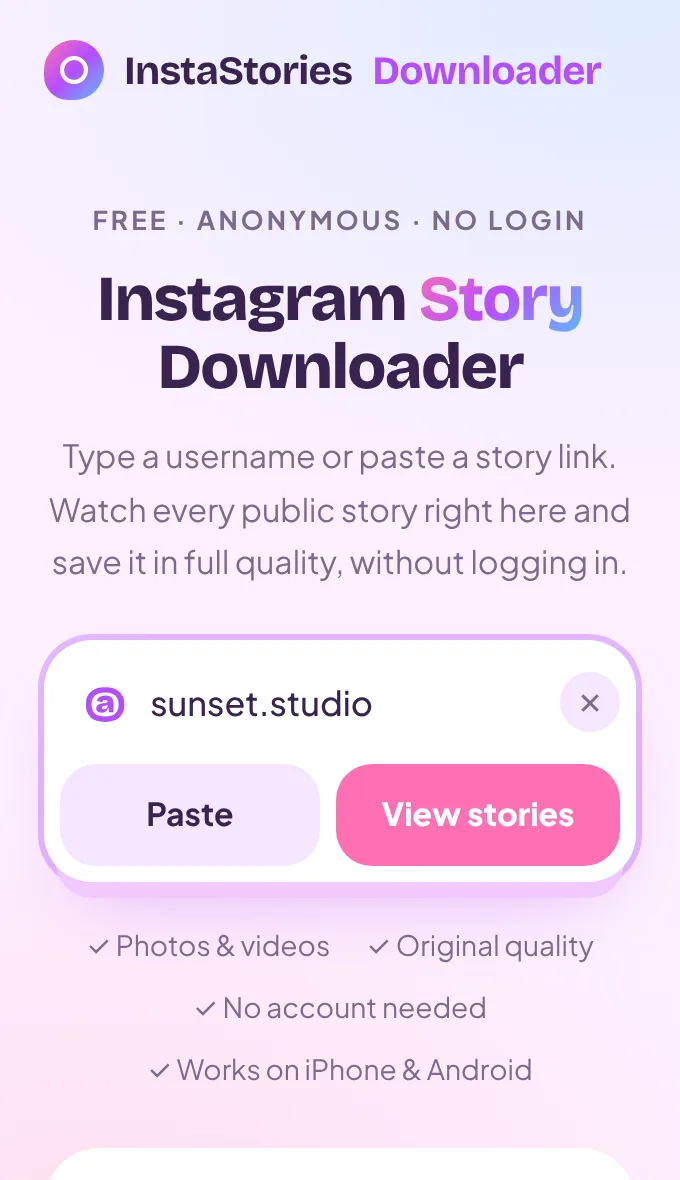
Copy the username
Open the profile in Instagram and copy the name shown at the top, or tap ⋯ on a story and choose Copy link.
Paste it above
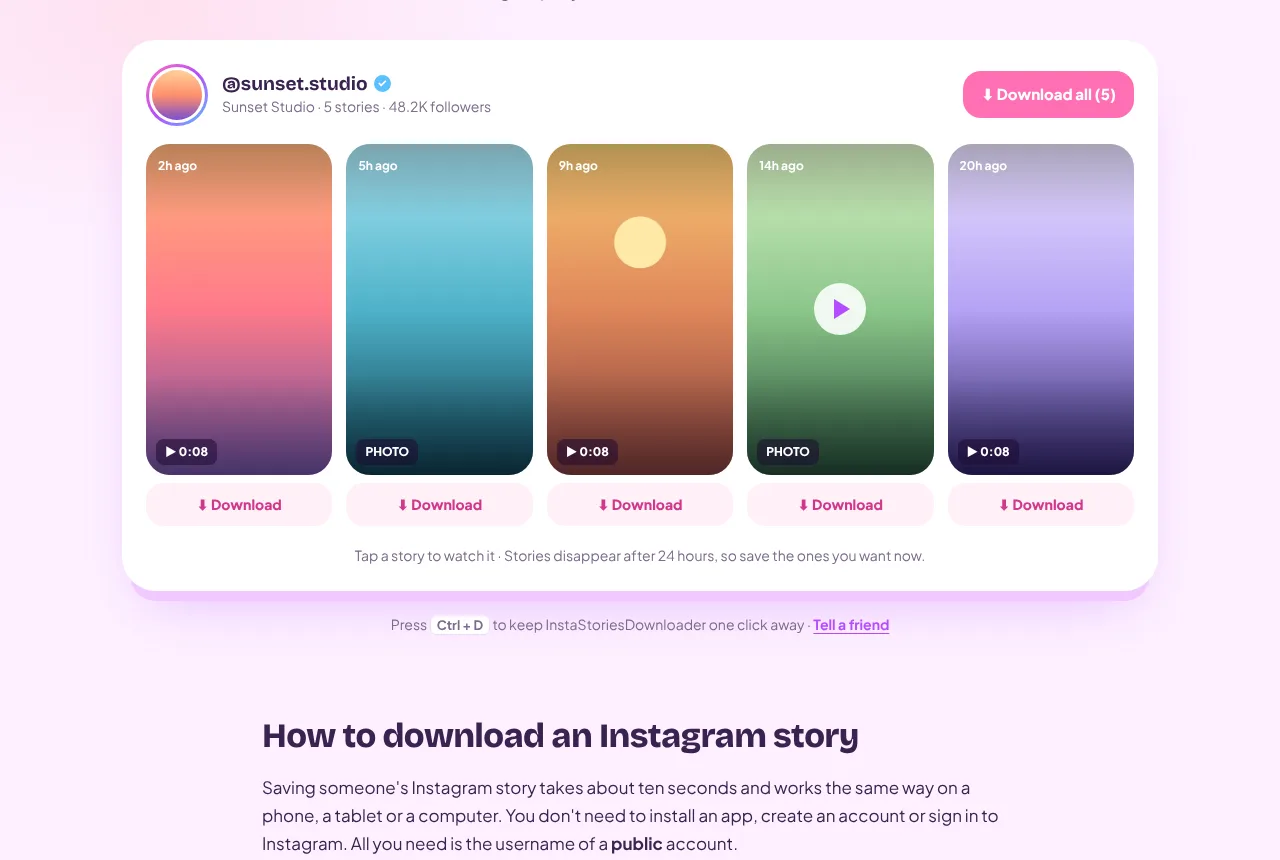
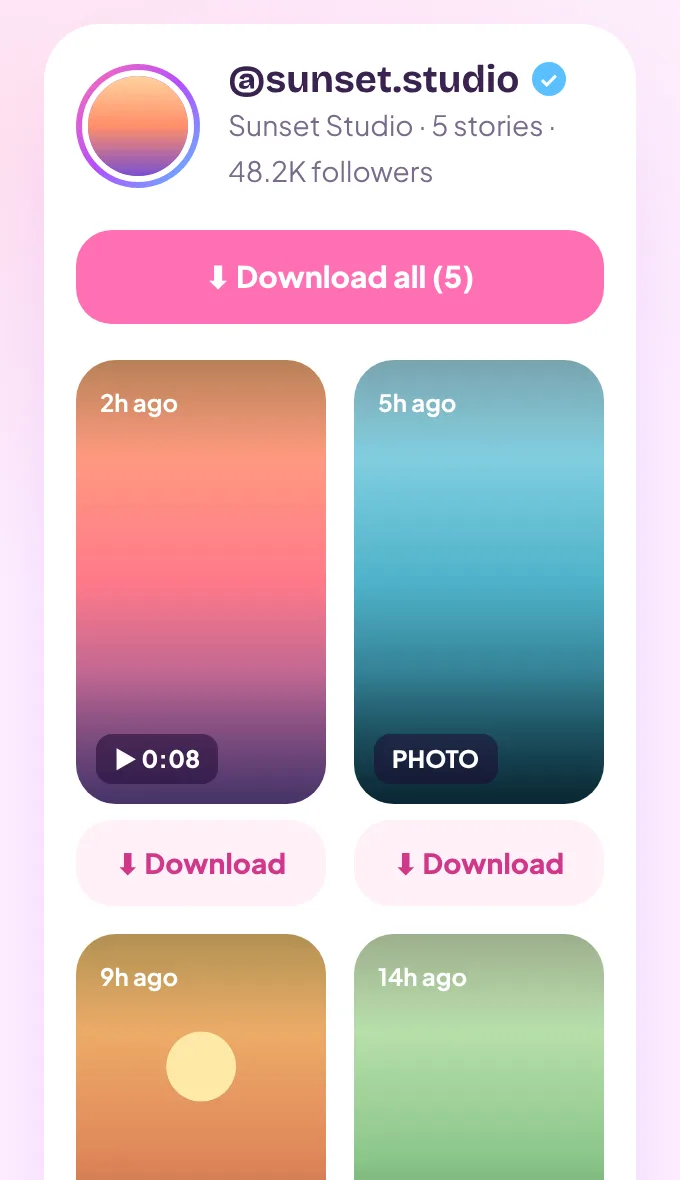
Paste the username or link into the box and tap View stories. Every story from the last 24 hours appears in a grid.
Watch and save
Tap a story to watch it here, or tap Download. Use Download all to save every story in one ZIP file.
You can paste the username in any of these forms and the downloader will understand it:
- A plain username, such as
natgeo - A username with the @ sign, such as
@natgeo - A profile link, such as
instagram.com/natgeo - A link to one story, such as
instagram.com/stories/natgeo/3512…— that story opens straight away in the viewer
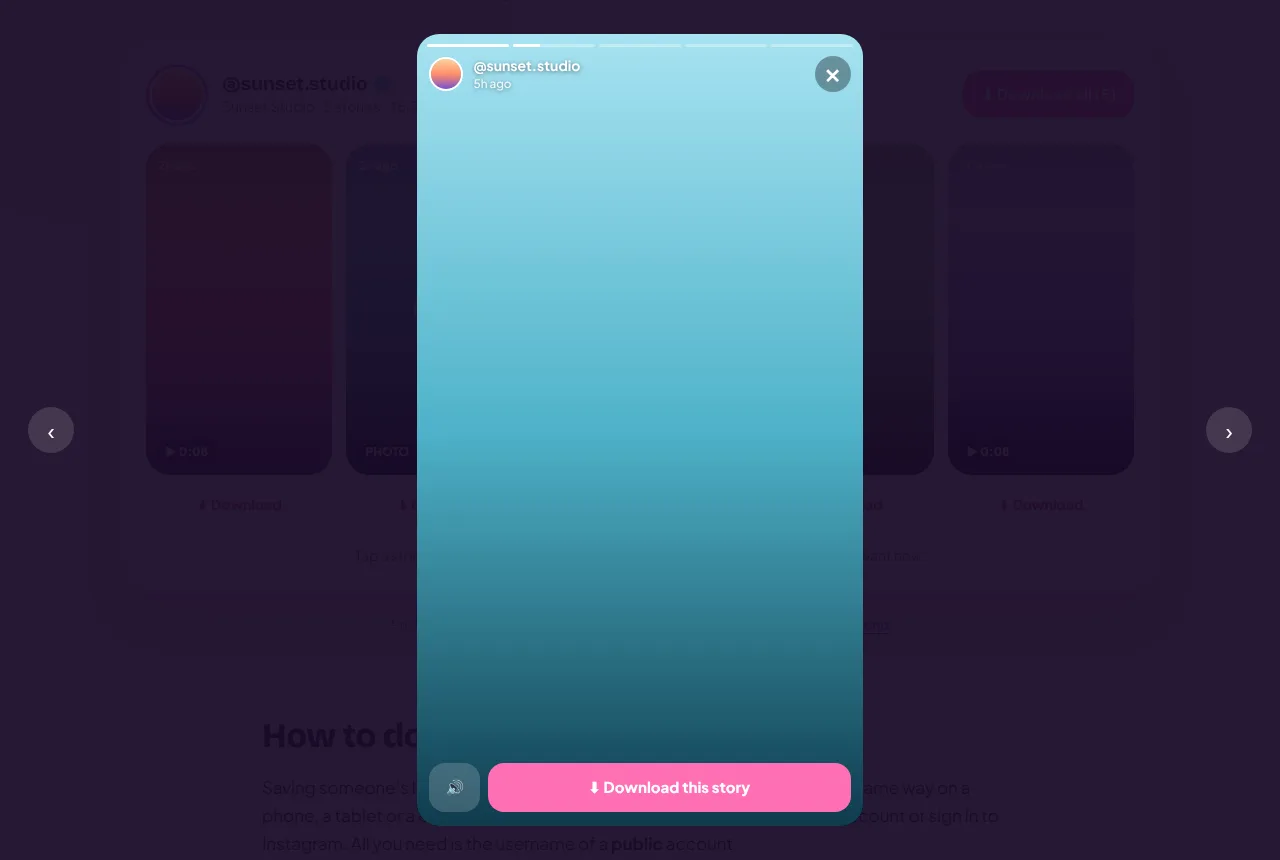
Watch stories without leaving the page
Before you save anything, you can watch the stories in a full-screen viewer that works just like the one in the Instagram app. Photos stay on screen for five seconds and videos play to the end, then the next story starts on its own. Tap the right side of the screen to skip ahead, the left side to go back, or swipe on a phone. On a computer, the arrow keys move between stories and Esc closes the viewer.
A download button sits at the bottom of every story, so you can save the one you are looking at the moment you decide you want it. There is no need to close the viewer and find it again in the grid.
What you get
The original file
Photos are saved as JPG and videos as MP4, at the same resolution the account uploaded — usually 1080×1920 for a full-screen story.
Photos and videos
Both kinds of story are supported. Videos keep their sound, and each card shows how long the clip is before you open it.
No sign-in, ever
We never ask for your Instagram password. You use the site exactly as it is, with nothing to install and no account to create.
All stories in one go
When an account has posted several stories, Download all packs them into one ZIP file, named by date and in the order they were posted.
Is it really anonymous?
When you watch a story inside the Instagram app, your name is added to the list of people who viewed it, and the owner can see that list for 48 hours. When you use this site, the stories are fetched by our server rather than by your Instagram account, so your name does not appear in the viewer list. You don't even need to have an Instagram account.
We also don't keep a history of the usernames you search on our servers. The “Recent” buttons under the search box are stored only in your own browser, so you can come back to an account quickly, and you can clear them at any time by clearing your browser data.
Please be respectful. Stories are the creator's work. Save them for personal use, ask before reposting someone else's photo or video, and never use this tool to follow, track or harass a person who doesn't want to be followed.
Where your downloads go
| Device | Where the file is saved | How to move it to your gallery |
|---|---|---|
| iPhone & iPad | Files app › Downloads | Open the file, tap Share, then Save Video or Save Image |
| Android | Download folder | It shows up in Gallery or Google Photos within a few seconds |
| Windows & Mac | Downloads folder | Open it in Photos, VLC, or any image or video app |
On an iPhone, use Safari or Chrome. If nothing seems to happen after you tap Download, look for the small blue arrow in Safari's address bar — that is where iOS keeps your recent downloads. ZIP files open in the Files app with one tap and become a normal folder.
Why some stories don't show up
The account is private
Private accounts only show their stories to approved followers, and no website can change that. If you see “This account is private”, the only way to watch those stories is to follow the account in the Instagram app.
The story is older than 24 hours
Stories disappear from Instagram one day after they are posted, and once a story has expired it can't be downloaded anymore. If an account says it has no stories right now, it simply hasn't posted anything in the last 24 hours. Come back later, or save the ones you like as soon as you see them.
Close Friends stories
Stories shared only with a “Close Friends” list are hidden from everyone else, so they never appear here.
Instagram is busy
Now and then Instagram slows down requests for a few minutes. If you see “Instagram is busy right now”, wait a moment and try again — the username stays in the box, so you only need to tap the button.
Tips to get the most out of it
- Check twice a day. Busy accounts post many stories that vanish quickly. A quick visit in the morning and the evening catches nearly all of them.
- Bookmark the page. Press Ctrl + D on a computer, or use “Add to Home Screen” on a phone, so the downloader opens like an app.
- Use Download all for events. Concerts, trips and launches are often told across ten or more stories. One ZIP keeps the whole story together and in order.
- Keep the original quality. Save the file directly instead of taking a screen recording. The download is sharper, smaller, and has no buttons or text from your screen in it.
Frequently asked questions
Is InstaStoriesDownloader free?
Yes. Watching and downloading stories is completely free, with no limit on the number of accounts you look up during normal use.
Do I need an Instagram account?
No. You don't need to sign in, and we will never ask for your Instagram password.
Will the person know I viewed or saved their story?
No. Your name is not added to the story's viewer list, and Instagram does not notify anyone when a story is downloaded.
Can I download stories from a private account?
No. Private stories are only visible to approved followers, and this site only works with public accounts.
Can I download highlights?
Not yet. Right now the site shows the stories an account has posted in the last 24 hours.
What quality are the downloads?
You get the same file Instagram serves in its app: JPG photos and MP4 videos, usually at 1080×1920 pixels.
Do you store the stories I download?
No. Files are passed straight from Instagram to your device, and the links on the page expire after one hour. We don't keep copies or a list of the accounts you search.
Is it legal to download Instagram stories?
Saving a story for your own private use is generally fine, but the photo or video still belongs to the person who made it. Ask for permission before you repost, share or use someone else's content, and follow the copyright rules where you live.